A missing sample status, an overwritten result, or an unexplained inventory adjustment can turn a routine laboratory review into a time-consuming investigation. The issue is rarely a lack of data. More often, the laboratory cannot reconstruct the sequence of actions that produced the current record.
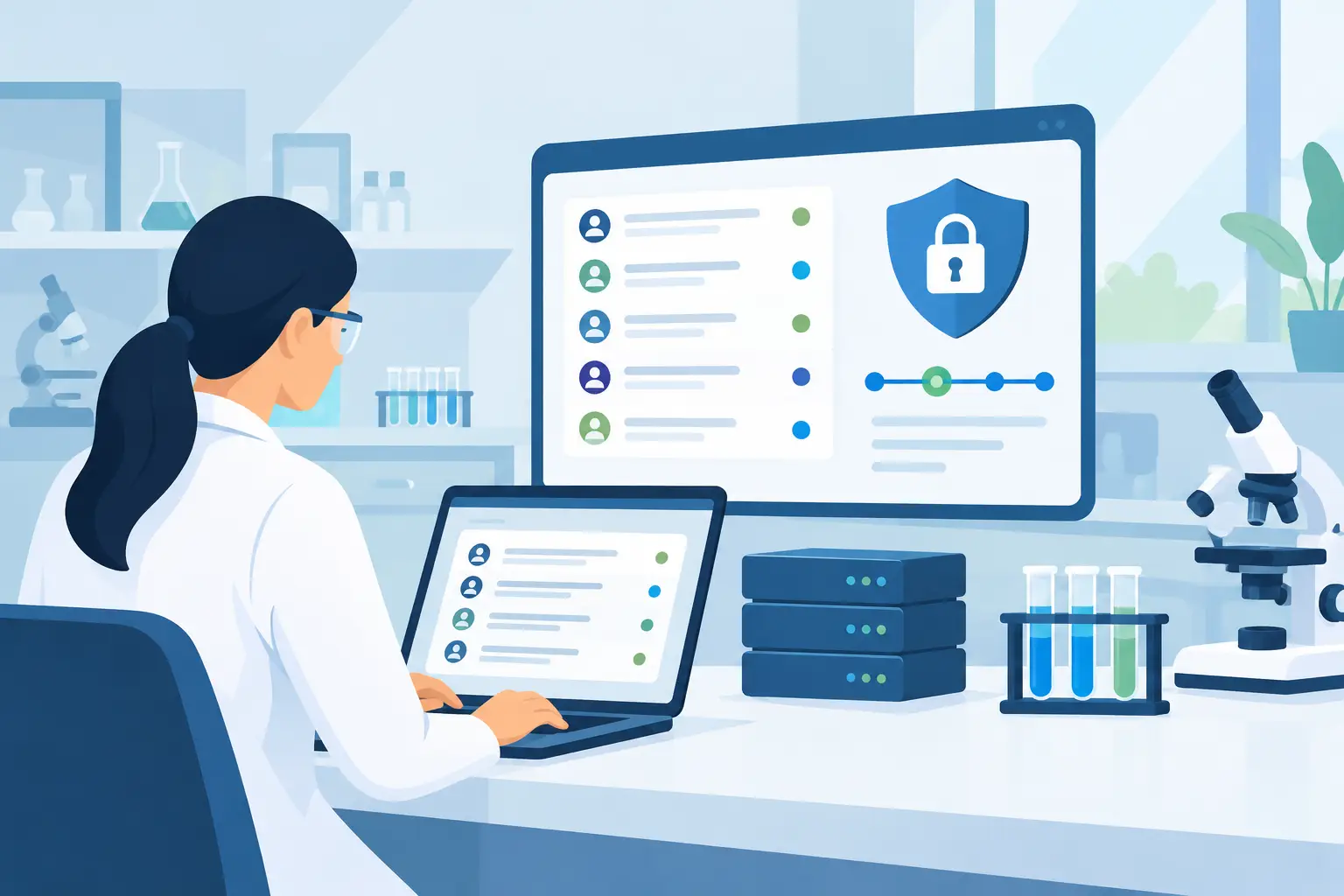
Audit trail software for laboratories provides that reconstruction. It records relevant user activity in the systems that manage samples, experiments, inventory, instruments, documents, and operational workflows. For laboratories working under quality requirements, this supports data integrity and inspection readiness. For research laboratories, it provides the context needed to verify work, investigate deviations, and preserve institutional knowledge as teams and projects change.
The value is not simply having a log. It is having a trustworthy, reviewable history connected to the records scientists and operations teams use every day.
What an audit trail must show
An audit trail should answer four basic questions without requiring manual reconstruction: who performed an action, what changed, when it changed, and why the change was made when a reason is required. A useful record also identifies the affected object, such as a sample, batch, freezer location, test result, reagent lot, equipment record, or experiment entry.
Consider a sample record that moves from received to in preparation, then to tested, then to released. The audit history should identify each status change, the authenticated user responsible, the timestamp, and any associated comment or workflow decision. If a result is corrected after review, the system should preserve the original value, the revised value, the user who made the correction, and the justification.
This distinction matters because an activity log is not always an audit trail. A basic log may state that a user accessed a record. It may not preserve the prior value, identify the exact field changed, or prevent users from altering historical entries. Similarly, version control can preserve document revisions but may not capture operational actions across sample tracking, inventory, and instrument-related workflows.
For regulated activities, audit trail expectations are shaped by the intended use of the system and applicable requirements, including FDA 21 CFR Part 11, EU Annex 11, and data integrity principles such as ALCOA+. Not every laboratory needs the same controls. A discovery research group and a GMP quality control laboratory will apply different levels of validation, review, electronic signature, and procedural control. The system should support the laboratory's risk assessment rather than impose complexity where it is not needed.
Why audit trail software for laboratories must span workflows
Laboratory records are interconnected. A reported result may depend on a sample chain of custody, reagent lot, instrument calibration status, analyst training record, calculation file, and review decision. If each element lives in a separate spreadsheet, shared folder, or isolated application, an investigation becomes fragmented.
A laboratory information management system can provide a central operational record by associating audit events with the objects that generate them. In practice, this means a user can review sample history alongside storage movements, aliquot creation, test assignments, result updates, and approvals. The same principle applies to inventory. When a reagent quantity is changed, the laboratory should be able to determine whether the change resulted from receipt, consumption, disposal, expiry, correction, or a stock count.
Centralization also improves accountability for administrative changes. Modifying a test template, updating a specification, changing a storage hierarchy, revising a user role, or retiring an equipment record can affect future work. Those configuration changes need traceability just as much as transactional laboratory data, particularly when they influence calculations, workflows, or access permissions.
An integrated platform such as LabCollector can connect auditability across LIMS functions, electronic lab notebook records, inventory, storage, equipment, and reporting. The practical advantage is context: an audit event is not an isolated database entry but part of the laboratory process it affected.
Features to evaluate before selecting a system
The best fit depends on the laboratory's workflows, regulatory exposure, data volume, and existing technology stack. Still, several capabilities should be examined closely during a software evaluation.
Capture changes at the field and record level
A system should show meaningful before-and-after values for critical changes, not merely record that an item was edited. Field-level history is especially useful for test results, sample identifiers, expiry dates, storage locations, quantities, specifications, and controlled metadata. The audit view should remain readable to laboratory personnel, not only database administrators.
Ask how the software handles deletion. In many controlled workflows, a record should be retired, canceled, voided, or marked inactive rather than permanently removed. If deletion is permitted, the event should be recorded with appropriate access control and justification.
Protect audit records from alteration
Audit trail data must be protected from routine user modification. This requires role-based permissions, authenticated user accounts, controlled administration, and technical controls that preserve audit history independently from the editable record. Shared credentials undermine this model because the system cannot reliably attribute actions to a specific person.
Protection also includes infrastructure decisions. Laboratories should understand backup procedures, retention options, hosting responsibilities, access to system administration functions, and how audit data is handled during upgrades or migrations. A useful audit trail cannot help if historical records are unavailable when needed.
Require reasons where risk warrants them
Not every update needs a comment. Requiring a justification for minor corrections can create unnecessary friction and encourage generic entries such as “typo.” But reason-for-change controls are valuable for actions with quality or scientific significance, including result corrections, record invalidation, status reversals, specification changes, and deviations from expected workflow.
The system should allow laboratories to configure these controls by record type, workflow stage, or user role. That flexibility helps align the user experience with the laboratory's SOPs.
Support review, search, and reporting
An audit trail is only useful when reviewers can find the relevant events quickly. Evaluate filters for date ranges, users, record types, projects, sample IDs, and action types. Reviewers should be able to trace a record chronologically and identify exceptions without exporting large, unstructured logs.
Reporting requirements vary. A quality team may need periodic review reports for critical records and privileged-user activity. A research manager may need to investigate changes to an experimental data set before publication. Both need a clear and complete history, but their review workflows differ.
Implementation is a process design exercise
Installing software does not create data integrity by itself. The laboratory must define which data are critical, which actions require justification or approval, who can modify controlled configurations, and how audit trails will be reviewed. These decisions should be reflected in SOPs, user roles, training, and system configuration.
Start by mapping high-risk workflows. Sample receipt and chain of custody, result entry and correction, inventory lot management, equipment status, and document approval are common priorities. Identify the events that must be attributable, contemporaneous, and reviewable. Then decide whether the workflow requires a simple audit event, a reason for change, a second-person review, an electronic signature, or all four.
Data migration deserves the same discipline. When moving from spreadsheets or legacy systems, preserve source context where feasible and document what was migrated, transformed, archived, or excluded. Historical data may not carry the same audit detail as records created in the new platform, but the boundary should be documented clearly.
Finally, test audit behavior with realistic scenarios. Change a result, move a sample, correct an inventory quantity, revise a controlled template, disable a user account, and attempt actions with different permission levels. Confirm that the audit trail records the expected detail and that reviewers can retrieve it efficiently. For regulated laboratories, this testing contributes to a risk-based validation approach.
Avoid treating audit trails as a compliance checkbox
A complete history does not replace scientific judgment, quality oversight, or well-designed procedures. Audit trails can reveal that a change occurred, but they do not automatically establish whether the change was appropriate. Laboratories still need defined review practices and personnel who understand the underlying process.
The most effective audit trail software supports ordinary work rather than operating as a separate compliance layer. When sample tracking, electronic documentation, inventory control, and approvals occur in one controlled environment, traceability becomes part of the workflow. That gives laboratories a stronger basis for defending results, resolving questions, and moving work forward with confidence.
See LabCollector on Your Own Workflows
LIMS, ELN, test management, storage and instrument integration on one platform — start free, or have us walk you through it.
Learn more: LabCollector LIMS · Electronic Lab Notebook · Contact · About
 English
 French
 Spanish
 Portuguese
 Italian
 Polish
 German
 Dutch
 Danish
 Swedish
 Greek
 Norwegian
 Finnish
 Romanian
 Hungarian
 Czech
 Slovak
 Hebrew
 Arabic
 Japanese
 Korean
 Ukrainian
 Latvian
 Turkish
 Croatian
 Chinese (Simplified)
 Bulgarian