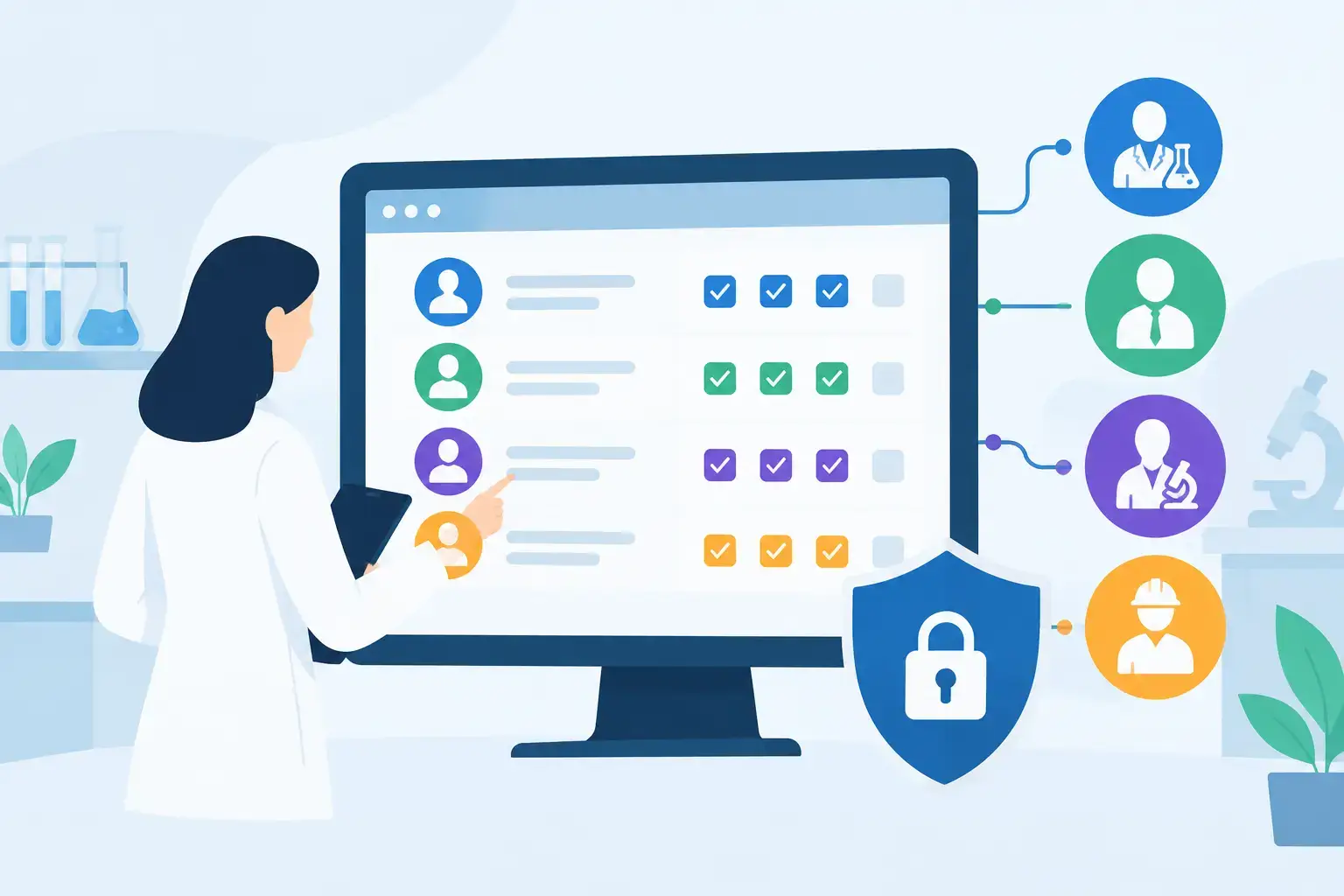
A laboratory does not lose control of data only when someone accesses a record improperly. Control is also lost when analysts cannot enter results on time, a technician can alter a released sample record, or an administrator gives broad access simply to resolve a short-term workflow delay. To configure LIMS permissions effectively, laboratories need a model that reflects how people actually work, which records they need, and what actions they are authorized to perform.
Permissions are a core part of data integrity. They determine who can view, create, edit, approve, export, archive, or delete information across samples, test requests, inventory, instruments, documents, and reports. A well-designed structure protects controlled records without creating unnecessary operational barriers.
Start With Roles, Not Individual Users
The most maintainable permissions model is role-based. Rather than assigning access one person at a time, define roles that represent recurring responsibilities in the laboratory. A molecular biology technician, a study coordinator, a quality reviewer, a laboratory manager, and a system administrator require different levels of access even if they work on the same project.
Begin by documenting each role's routine tasks. Identify the records the role must access, the modules involved, and the actions required at each workflow stage. An analyst may need to register samples, enter test results, and attach instrument output, but should not approve final results. A quality assurance reviewer may need to review, reject, and release records without changing the original analytical data.
This distinction matters because access should follow responsibility. A person who can perform a task does not automatically need authority to authorize it. Separating data entry, review, approval, and administration supports accountability and reduces the risk of uncontrolled changes.
In a configurable platform such as LabCollector, roles can be aligned with the laboratory's LIMS, ELN, inventory, storage, and equipment workflows instead of treating access control as a single system-wide setting. The objective is consistent: give each user sufficient access to complete assigned work and no more.
How to Configure LIMS Permissions Around Workflow
Permissions should be designed around the lifecycle of a record, not only around the screen or module where the record is stored. A sample may move from accessioning to preparation, testing, review, reporting, retention, and disposal. At each stage, different users may need different rights.
For example, accessioning staff may create sample records and assign identifiers, storage locations, and requested tests. Technical staff may update preparation status and record results. Supervisors may review exceptions or incomplete fields. Quality personnel may approve or reject a completed record. Once a report is released, most users should be limited to read-only access, while any correction should follow a controlled amendment process.
The same approach applies to inventory. A laboratory scientist may consume a reagent lot and record usage, while an inventory coordinator can receive materials, update supplier information, and manage reorder thresholds. A quality role may need to quarantine an expired or failed lot. Not every user who can view a reagent should be able to alter its expiration date, certificate, or status.
Map permissions to these workflow decisions:
- Who creates the record or initiates the workflow?
- Who can edit the record before it reaches a controlled state?
- Who reviews, approves, rejects, or releases the record?
- Who can reopen a completed record, and under what circumstances?
- Who can view historical data, audit trails, and attached documents?
- Who administers roles, configuration settings, and user accounts?
These questions expose gaps that are easy to miss when permissions are set module by module. They also clarify where the laboratory needs segregation of duties.
Apply Least Privilege Without Slowing the Lab
Least privilege means users receive the minimum access required for their assigned responsibilities. It does not mean every user should have restrictive access by default regardless of operational need. An overly narrow configuration can lead to workarounds, shared accounts, informal data exports, and repeated administrator intervention. Those behaviors create their own compliance and traceability problems.
A practical approach is to create a small number of clearly defined baseline roles, then use limited exceptions for specialized functions. For instance, most analysts may share a standard analyst role, while a designated senior analyst receives additional authority to assign work or resolve certain exceptions. Avoid creating a new role for every employee unless the laboratory has genuinely unique responsibilities that cannot be managed through existing roles.
Consider access scope as well as action rights. A user may have permission to edit samples but only within a specific department, project, client account, study, or laboratory location. This is particularly useful for multi-site organizations, contract research organizations, and shared academic facilities where users should not automatically see all work performed in the system.
Read-only access is often undervalued. Investigators, finance personnel, external collaborators, and management may need visibility into status, reports, sample location, or inventory usage without the ability to modify controlled data. Providing purpose-specific read access reduces the pressure to grant editing rights simply for visibility.
Protect High-Risk Actions With Additional Controls
Some LIMS actions carry greater operational or compliance risk than others. Deleting records, modifying released results, changing sample identifiers, adjusting inventory quantities, altering audit settings, and managing user privileges deserve stricter control.
Where the system supports it, require elevated authorization for these actions. This may involve assigning a dedicated administrator role, requiring approval before a status change, or limiting the function to quality or laboratory management. The appropriate control depends on the laboratory's regulatory environment, validation status, and internal procedures.
For regulated workflows, permanent deletion is rarely an appropriate routine permission. A controlled archive, inactivation status, or documented cancellation process usually preserves a more defensible record. Users should be able to correct mistakes through traceable amendments rather than overwriting the original information without context.
Administrative access requires particular discipline. System administrators often need broad technical access to configure modules, manage integrations, maintain user accounts, and resolve incidents. That access should not be used as a substitute for scientific or quality approval. If a technical administrator must assist with a record, the laboratory should preserve clear accountability for the scientific decision and the resulting change.
Build Permission Groups That Can Be Audited
A permissions design is only useful if the laboratory can explain it during an internal review, customer audit, inspection, or incident investigation. Give roles clear names that reflect responsibility, such as Sample Accessioning, Analytical Testing, Quality Review, Inventory Control, Study Manager, or System Administration. Names like Group 4 or General User create ambiguity as teams and systems evolve.
Maintain a permissions matrix outside the application as controlled documentation. The matrix should show each role, the system areas it can access, the allowed actions, the data scope, and the owner responsible for approving the role design. It does not need to list every technical setting in a long narrative. It should make the authorization logic understandable.
Review the matrix when workflows change. A new instrument interface, a new testing department, an expanded biobank collection, or a new client reporting process may introduce records and actions that are not covered by the original model. Permission reviews should be part of implementation and change control, not an afterthought once users begin working in production.
Test Permissions With Realistic Scenarios
Do not rely on an administrator's interpretation of the configuration screen. Test each role using representative users and actual workflow scenarios. Verify not only that permitted actions work, but also that prohibited actions are blocked.
A useful test script might follow a sample from receipt through reporting. Can the accessioning user create the sample without accessing quality approval functions? Can the analyst enter results but not release the report? Can the reviewer see the original data, attachments, and audit history? Can a user who is not assigned to the project access the record? These tests reveal both over-permission and under-permission.
Include exception scenarios. Test a rejected result, a quarantined reagent lot, a reassigned sample, a corrected transcription error, and a departed employee account. Permissions often fail at the edges of the process, where teams are under time pressure and normal workflow rules are temporarily bypassed.
Document test outcomes, corrections, and approval of the final design. For laboratories operating under formal quality systems, this evidence can support system validation or qualification activities.
Review Access Throughout the User Lifecycle
Permissions need ongoing administration because laboratory roles change. New hires need appropriate access before training begins. Employees may move from bench work to supervision, rotate across departments, take extended leave, or leave the organization. Each event can affect their authorization level.
Establish an access review schedule based on laboratory risk. A clinical or regulated laboratory may review high-privilege accounts more frequently than a small research group, but every environment benefits from periodic confirmation that active accounts, roles, and access scopes remain appropriate. Review administrator accounts, quality approval roles, inactive users, and accounts with exceptions first.
Avoid shared user accounts. They weaken attribution, complicate audit trails, and make it difficult to remove access when responsibilities change. Individual accounts tied to defined roles provide a clearer record of who performed each action.
Permission design is not a one-time technical configuration. It is an operational control that should mature with the laboratory. When access rules reflect real responsibilities, users can move work forward confidently while the LIMS preserves the traceability, accountability, and data integrity that laboratory operations depend on.
See LabCollector on Your Own Workflows
LIMS, ELN, test management, storage and instrument integration on one platform — start free, or have us walk you through it.
Learn more: LabCollector LIMS · Electronic Lab Notebook · Contact · About
 English
 French
 Spanish
 Portuguese
 Italian
 Polish
 German
 Dutch
 Danish
 Swedish
 Greek
 Norwegian
 Finnish
 Romanian
 Hungarian
 Czech
 Slovak
 Hebrew
 Arabic
 Japanese
 Korean
 Ukrainian
 Latvian
 Turkish
 Croatian
 Chinese (Simplified)
 Bulgarian