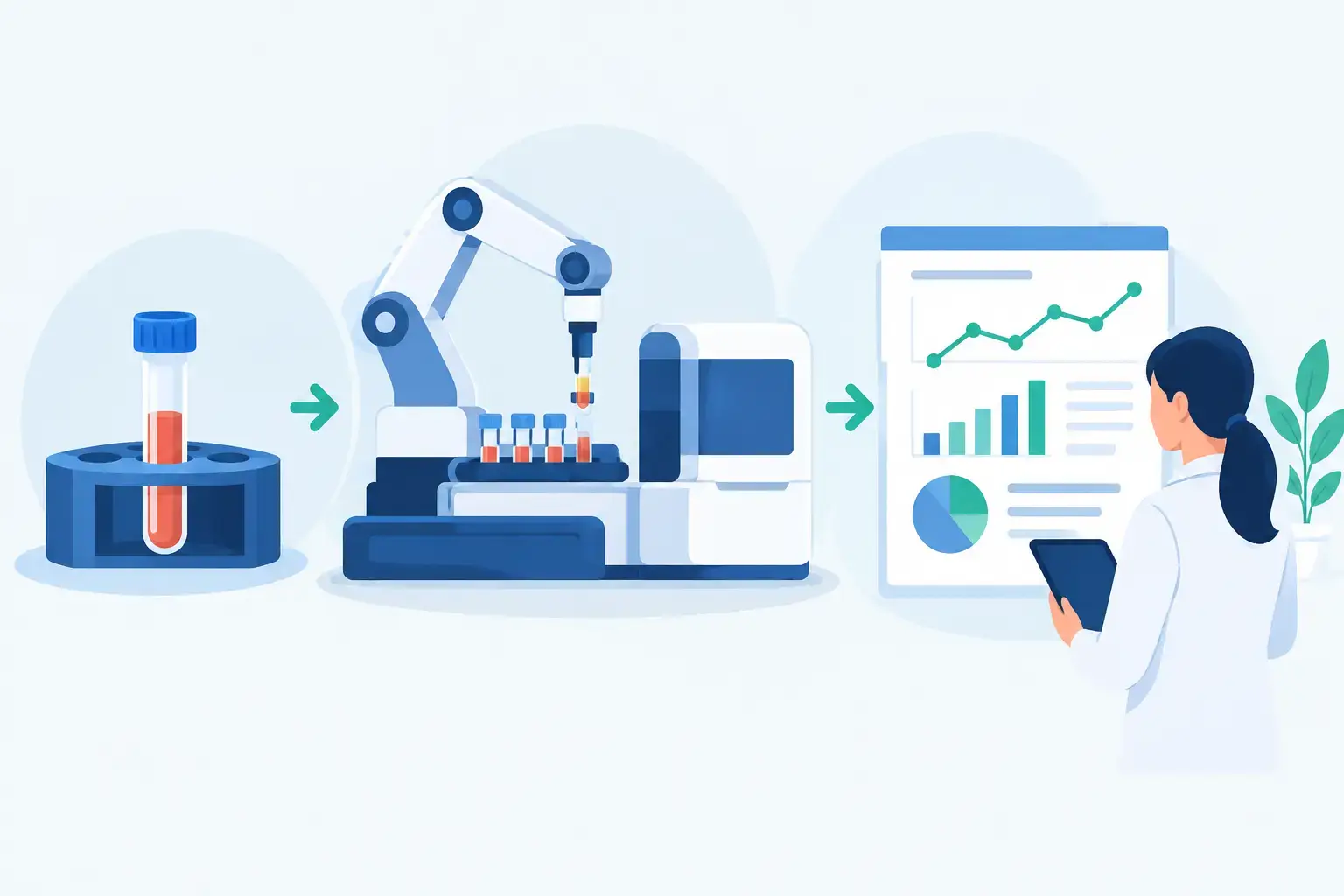
A contract research organization can lose control of a study long before the assay begins. A mislabeled shipment, an unrecorded freezer transfer, or a result copied into the wrong client template can create delays, repeat work, and difficult quality investigations. This CRO automation example follows a sample from client intake through final reporting to show where structured laboratory automation produces measurable operational control.
The objective is not to remove scientific judgment from the process. It is to automate repeatable administrative and laboratory actions, enforce required checks, and preserve a complete record of who did what, when, and under which approved procedure.
What CRO automation should control
For a CRO, automation must extend beyond instrument data capture. The operational chain includes study setup, sample receipt, accessioning, storage assignment, test execution, data review, deviation handling, report generation, and client delivery. If these stages operate in separate spreadsheets, email threads, and standalone instruments, the organization still depends on manual reconciliation.
A LIMS-centered workflow gives each study, client, sample, aliquot, test, and result a unique digital identity. Automation then uses those records to trigger assignments, validations, notifications, and document generation. The result is a controlled flow of information rather than a collection of disconnected tasks.
The exact design depends on the service model. A bioanalytical CRO may need batch-oriented workflows tied to calibration standards and quality-control samples. A microbiology testing organization may prioritize sample condition, incubation schedules, and method-specific turnaround time. The underlying principle is the same: automate the handoffs that are predictable, frequent, and material to traceability.
CRO automation example: a stability testing workflow
Consider a CRO performing stability testing for a pharmaceutical client. The client submits samples at defined time points and requires a certificate of analysis supported by complete chain-of-custody records. Before automation, staff may receive shipping notices by email, assign identifiers from a spreadsheet, write storage locations on paper, and compile results manually into a report.
In a controlled digital workflow, the study is configured before the first shipment arrives. The project manager creates the client record, study protocol, sample matrix, scheduled pull points, required analytical methods, acceptance criteria, report template, and user permissions. This preparation matters because later workflow rules depend on structured master data, not free-text instructions.
1. Client intake and study setup
The automation begins when the CRO receives a client request or approved work order. A configured intake form captures the client, study number, material type, requested methods, target dates, and storage requirements. Required fields prevent incomplete study records from moving forward.
Once the study is approved, the system generates the appropriate sample identifiers and barcode labels. It can also establish expected sample quantities and time points. If a shipment arrives with samples that do not match the expected manifest, receiving personnel see the discrepancy immediately instead of discovering it during test preparation.
This is a useful point of control for client communication. An automated notification can confirm that the study has been created and identify the approved scope. It should not automatically accept scope changes. Changes to methods, sample counts, or deadlines should follow a documented change-control process with appropriate authorization.
2. Receipt, accessioning, and chain of custody
At receipt, a technician scans each barcode and records shipping condition, arrival temperature, container integrity, quantity, and any visible exceptions. The system assigns a receipt status such as accepted, accepted with deviation, quarantined, or rejected. Photos, temperature logger files, and courier documents can be attached directly to the receiving record.
For accepted samples, the system creates the chain-of-custody event and assigns a storage location based on the study's requirements. A technician scanning a freezer, rack, box, and position creates a precise location record without manually typing a long location string. If a sample requires -80°C storage, the workflow should prevent assignment to an incompatible location.
Automation is especially valuable when samples are split into aliquots. Each aliquot inherits its relationship to the parent sample while retaining its own barcode, quantity, location, and usage history. That relationship allows staff to answer a common audit question: which portion of the received material generated this reported result?
3. Test scheduling and laboratory execution
After accessioning, workflow rules create the required test instances and place them in the appropriate laboratory queue. Assignment can consider method qualification, analyst authorization, instrument availability, due date, and sample stability window. A manager still needs the ability to adjust priorities, particularly when a client requests expedited work or an instrument becomes unavailable.
When an analyst begins work, scanning the sample confirms that the correct material is being used for the assigned method. The electronic work record can present the approved procedure, required reagents, instrument parameters, and expected quality-control checks. Integration with instruments can import result files or captured measurements, reducing transcription risk.
Not every activity should be fully automated. Analysts may need to enter observations, calculations, dilution factors, chromatogram assessments, or deviation details. The system should capture those entries in context, with timestamps and attributable user records, rather than forcing scientific exceptions into comments outside the system of record.
4. Automated checks and exception routing
This is where the workflow becomes more than digital data entry. As results are recorded, configured rules compare them with method limits, specification ranges, and required completeness checks. A missing control result, an expired reagent, or an out-of-specification value can automatically prevent the test from advancing to final approval.
The system can route an exception to the appropriate reviewer and notify the study manager when it may affect the reporting date. It can also require a deviation record before work resumes. This does not determine the scientific conclusion automatically. It ensures that an exception cannot disappear in an email inbox or be overlooked during report preparation.
For regulated work, the workflow should maintain an audit trail of original values, changed values, reasons for change, reviewers, and approval timestamps. Data integrity depends on more than access controls. Laboratories need a clear reconstruction of the sequence of events when a client, auditor, or quality team asks how a result was produced.
5. Review, approval, and client reporting
When all required testing is complete, the workflow routes the study to technical review. The reviewer sees the sample history, method records, quality-control status, deviations, attachments, and results in one place. Automated completeness checks can confirm that every required sample and scheduled time point has a disposition before the report is generated.
Approved results populate a controlled report template. This reduces copy-and-paste work and helps maintain consistent units, sample identifiers, result formatting, and client-specific terminology. If report content changes after approval, version control and electronic approval steps should make the revision visible.
The final report is released only after the designated quality or scientific approver signs off. The completed report, supporting raw data references, approval record, and client delivery status remain associated with the study. That retained context is critical when a client requests clarification months later or when the CRO prepares for an audit.
Designing automation without creating a rigid process
A poorly designed workflow can trade paper-based inconsistency for digital bottlenecks. The goal is not to require a separate approval for every routine action. It is to define which steps are routine, which require verification, and which must stop work until an issue is resolved.
Start with the workflow that creates the most manual coordination or carries the greatest compliance risk. Map the current process from client request through report delivery, including the informal steps performed in email, spreadsheets, and verbal handoffs. Then identify where a system action can replace rekeying, where barcode scanning can confirm identity, and where a status rule can stop an incomplete record.
Configuration should also reflect real laboratory roles. Receiving personnel need different permissions from analysts, reviewers, quality staff, and client-facing project managers. A modular laboratory platform such as LabCollector can support this approach by connecting sample management, inventory, storage, electronic records, barcoding, and reporting in a configurable environment.
Before deployment, test normal cases as well as exceptions: damaged shipments, incorrect sample counts, failed controls, repeat analyses, revised reports, and unavailable instruments. The exceptions reveal whether the automated process supports laboratory work or simply redirects staff to another manual workaround.
Measures that show whether the workflow is working
Automation should be evaluated with operational evidence, not only implementation milestones. Useful measures include accessioning time per shipment, percentage of samples with complete chain-of-custody records, turnaround-time adherence, number of transcription corrections, rate of report revisions, and time required to retrieve a study record for review.
The most meaningful improvement is often easier reconstruction. When a project manager can see a study's current status without sending multiple emails, and a quality reviewer can trace a result to its sample, method, analyst, instrument, and approvals without assembling documents by hand, the CRO has gained control that scales with workload.
A well-configured CRO workflow leaves people free to focus on scientific decisions while the system handles identity, status, timing, and documentation. That is the practical value of automation: every sample movement and result becomes easier to trust, review, and act on.
See LabCollector on Your Own Workflows
LIMS, ELN, test management, storage and instrument integration on one platform — start free, or have us walk you through it.
Learn more: LabCollector LIMS · Electronic Lab Notebook · Contact · About
 English
 French
 Spanish
 Portuguese
 Italian
 Polish
 German
 Dutch
 Danish
 Swedish
 Greek
 Norwegian
 Finnish
 Romanian
 Hungarian
 Czech
 Slovak
 Hebrew
 Arabic
 Japanese
 Korean
 Ukrainian
 Latvian
 Turkish
 Croatian
 Chinese (Simplified)
 Bulgarian