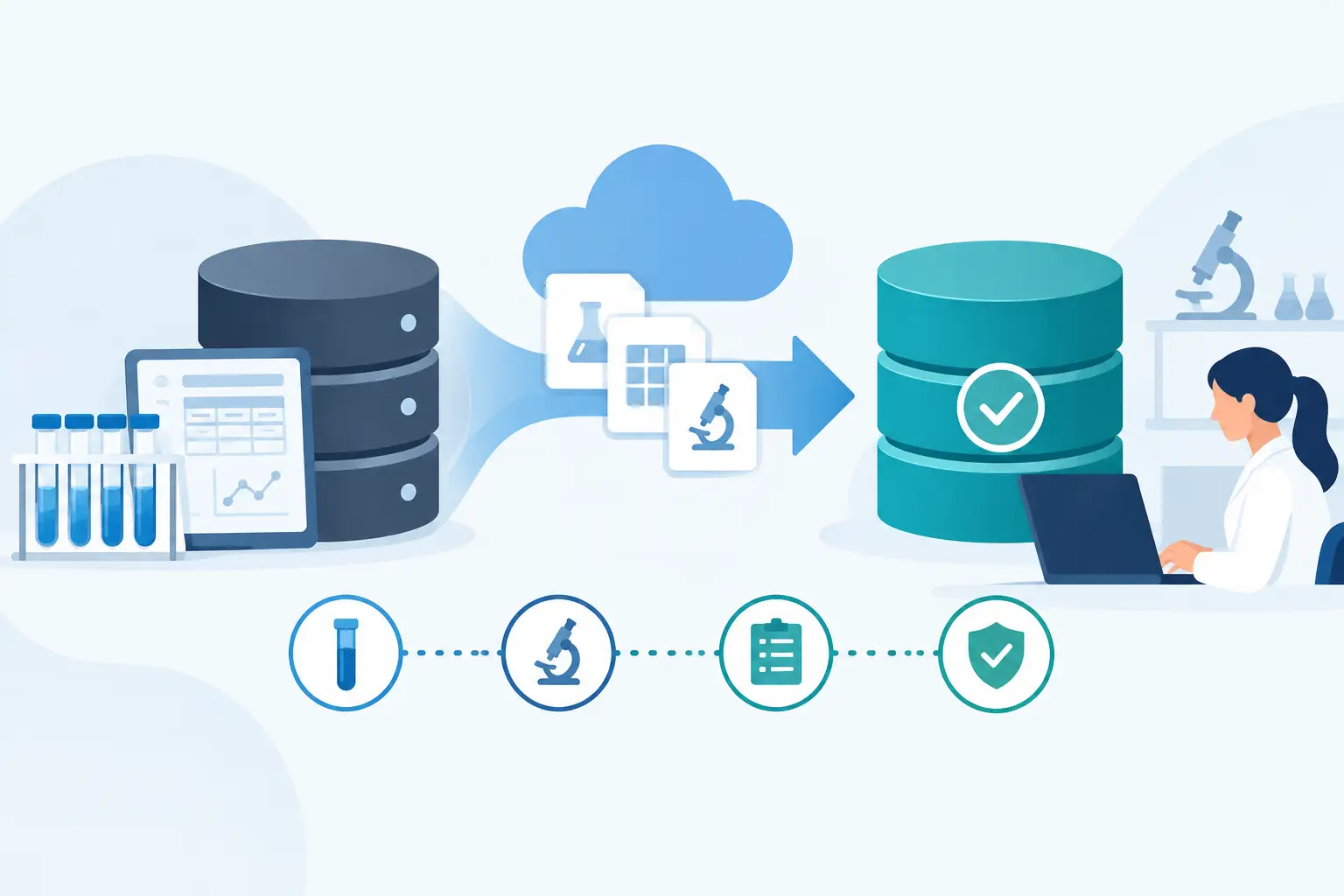
A laboratory record migration is not a file-transfer exercise. It is a controlled change to the system that establishes sample identity, experimental context, inventory status, equipment history, and the evidence behind scientific decisions. Knowing how to migrate lab records means preserving that context while making the data more usable in its destination system.
The risk is rarely that a laboratory loses every record. More often, it loses relationships: a sample arrives without its parent specimen, a result is separated from the method version used to generate it, or a reagent lot is no longer connected to the experiment where it was consumed. Those gaps create operational friction and, in regulated environments, can weaken data integrity and audit readiness.
A successful migration starts with a clear scope, a defensible data model, and validation criteria agreed upon before any production data moves.
How to migrate lab records with control
The first decision is not which import tool to use. It is what records must become active, searchable, and traceable in the new environment. Laboratories often hold years of data across spreadsheets, paper notebooks, shared drives, legacy LIMS platforms, instrument software, and departmental databases. Treating every source record the same usually adds cost without improving operations.
Separate data into three categories: active operational records, historical records likely to be referenced, and retained archives. Active records generally require full migration because staff need to update them, link them to new work, and include them in reports. Historical records may need only selected metadata and attachments in the new system, with the complete source record retained in a controlled archive. Records subject to retention requirements must remain accessible, readable, and protected, whether or not they are fully transformed into the destination schema.
This classification should involve laboratory operations, scientific users, quality personnel, and the system administrator. A migration designed only by IT may move technically valid data that lacks the fields scientists and quality teams need to interpret it.
Define the source of truth before extraction
Many laboratories discover that the same sample, material, or protocol exists in several places. A spreadsheet may contain the current freezer location, an ELN may hold the experimental history, and a legacy LIMS may contain the original accession number. Before extraction, define which source is authoritative for each data domain.
Document ownership for samples, subjects or clients where applicable, test results, protocols, inventory items, reagent lots, storage locations, equipment, and user accounts. The objective is to prevent conflicting values from entering the new platform as if they were equally valid.
At this stage, assess data quality with measurable checks. Count blank mandatory fields, duplicate identifiers, invalid date formats, orphaned child records, expired lots marked as available, and storage locations that no longer exist. A migration will expose these issues. Resolving them before import is substantially easier than correcting them after users begin working in the new system.
Map records to the destination data model
Data mapping is the central design activity in a laboratory migration. It defines how a source field is represented in the destination system, whether it requires transformation, and how it relates to other records.
A sample table, for example, is not complete if it contains only sample IDs and names. The mapping should preserve the sample type, status, collection or receipt date, parent-child relationship, project or study, owner, storage location, volume or quantity, and relevant chain-of-custody events. The required fields depend on the laboratory workflow, but the principle is consistent: migrate the information needed to reconstruct the sample's identity and history.
Use controlled vocabularies where possible. A source system may contain values such as “serum,” “Serum,” “SER,” and “serum sample.” The destination should use a defined sample-type value rather than importing four near-duplicates. The same normalization applies to units, result statuses, instrument names, departments, container types, and user roles.
Do not force a one-to-one field match when the operational meaning differs. A free-text status in a spreadsheet may need to become a structured workflow state. Several legacy fields may need to be combined into a single record attribute, while one source field may need to be split into separate fields for concentration, unit, and method. Every transformation should be documented in a mapping specification that includes source field, destination field, rule, default value, allowed values, and exception handling.
Preserve identifiers, relationships, and provenance
Identifiers are the anchors of laboratory traceability. Where possible, retain original sample IDs, accession numbers, batch IDs, lot numbers, and experiment references. If the destination system generates new internal identifiers, store the legacy identifier in a dedicated field and make it searchable. This gives users a practical way to reconcile records during the transition and supports later audits.
Relationships require equal attention. A migrated result should remain connected to its sample, test, analytical run, instrument where relevant, method or protocol version, and approving user. Inventory records should retain links between item, lot, supplier, expiration date, certificate or safety documentation, and storage position. For biobanks and high-volume sample operations, parent-child lineage and container-to-location relationships are often more critical than descriptive notes.
Provenance also matters. Record the source system, extraction date, migration batch, transformation rules, and validation status for imported records. Imported historical data should not appear indistinguishable from records created natively in the new platform. Clear provenance makes it possible to explain where a value came from and what processing occurred during conversion.
Validate in stages, not only at go-live
Validation should begin with a pilot migration using representative records, not a small set of unusually clean examples. Include complex sample hierarchies, repeated tests, amended results, expired materials, multiple storage locations, attachments, and records with known exceptions. This reveals whether the mapping works under realistic laboratory conditions.
Reconcile the pilot using both automated and manual checks. Automated checks compare record counts, unique identifiers, mandatory fields, date ranges, status distributions, and relationship counts between source and destination. Manual review confirms that selected records are scientifically and operationally intelligible. A scientist should be able to locate a migrated sample and understand its lineage. An inventory manager should be able to confirm a lot's quantity, expiry, and location. A quality reviewer should be able to follow the audit evidence.
Define acceptance criteria before testing. For example, the laboratory may require 100 percent reconciliation of active sample identifiers, zero orphaned result records, confirmed attachment readability, and documented resolution of all critical exceptions. Avoid relying on a general impression that the data looks correct.
Plan the cutover around laboratory operations
The cutover plan should account for active work, not just system availability. Identify which activities can pause, which require parallel entry, and which must remain in the existing system until a defined point. Sample receiving, accessioning, instrument result review, and inventory dispensing often cannot stop for long.
A short read-only period in the legacy system can reduce the risk of changes being missed during the final extract. If a longer transition is necessary, establish a controlled process for handling records created after the initial migration. This may involve incremental loads, a temporary reconciliation log, or defined ownership for dual-system updates. Parallel operation has value when workflows are complex, but it also creates a risk of diverging records. Keep it limited and time-bound.
Prepare user roles, permissions, barcode formats, storage hierarchies, templates, and workflow states before go-live. A technically correct migration will still fail operationally if staff cannot find records, scan containers, record deviations, or complete their routine tasks within the new process.
Train users on the new record lifecycle
Training should focus on the laboratory's actual workflows rather than generic system navigation. Show users how an incoming sample is registered, labeled, stored, linked to an experiment or request, processed, reviewed, and retained. Explain which legacy identifiers remain searchable and where archived information can be found.
Supervisors and quality teams need additional guidance on exception handling, audit trails, record correction, electronic approvals, and reporting. Technical administrators need documented procedures for imports, controlled vocabulary maintenance, user access, backups, and configuration changes.
A configurable platform such as LabCollector can centralize ELN, LIMS, inventory, storage, and equipment information, but configuration decisions should follow the laboratory's approved processes. The goal is not to reproduce every legacy workaround. It is to establish a controlled record lifecycle that supports present operations and future growth.
After go-live, monitor reconciliation exceptions, user questions, duplicate record creation, barcode scan failures, and incomplete workflow steps. These signals identify where configuration, training, or data cleanup is still needed. A well-managed migration leaves the laboratory with more than accessible historical data: it creates a reliable foundation for the next sample, experiment, audit, and decision.
See LabCollector on Your Own Workflows
LIMS, ELN, test management, storage and instrument integration on one platform — start free, or have us walk you through it.
Learn more: LabCollector LIMS · Electronic Lab Notebook · Contact · About
 English
 French
 Spanish
 Portuguese
 Italian
 Polish
 German
 Dutch
Dutch Danish
 Swedish
 Greek
Greek Norwegian
 Finnish
 Romanian
 Hungarian
 Czech
Czech Slovak
 Hebrew
 Arabic
 Japanese
 Korean
 Ukrainian
 Latvian
 Turkish
 Croatian
 Chinese (Simplified)
 Bulgarian