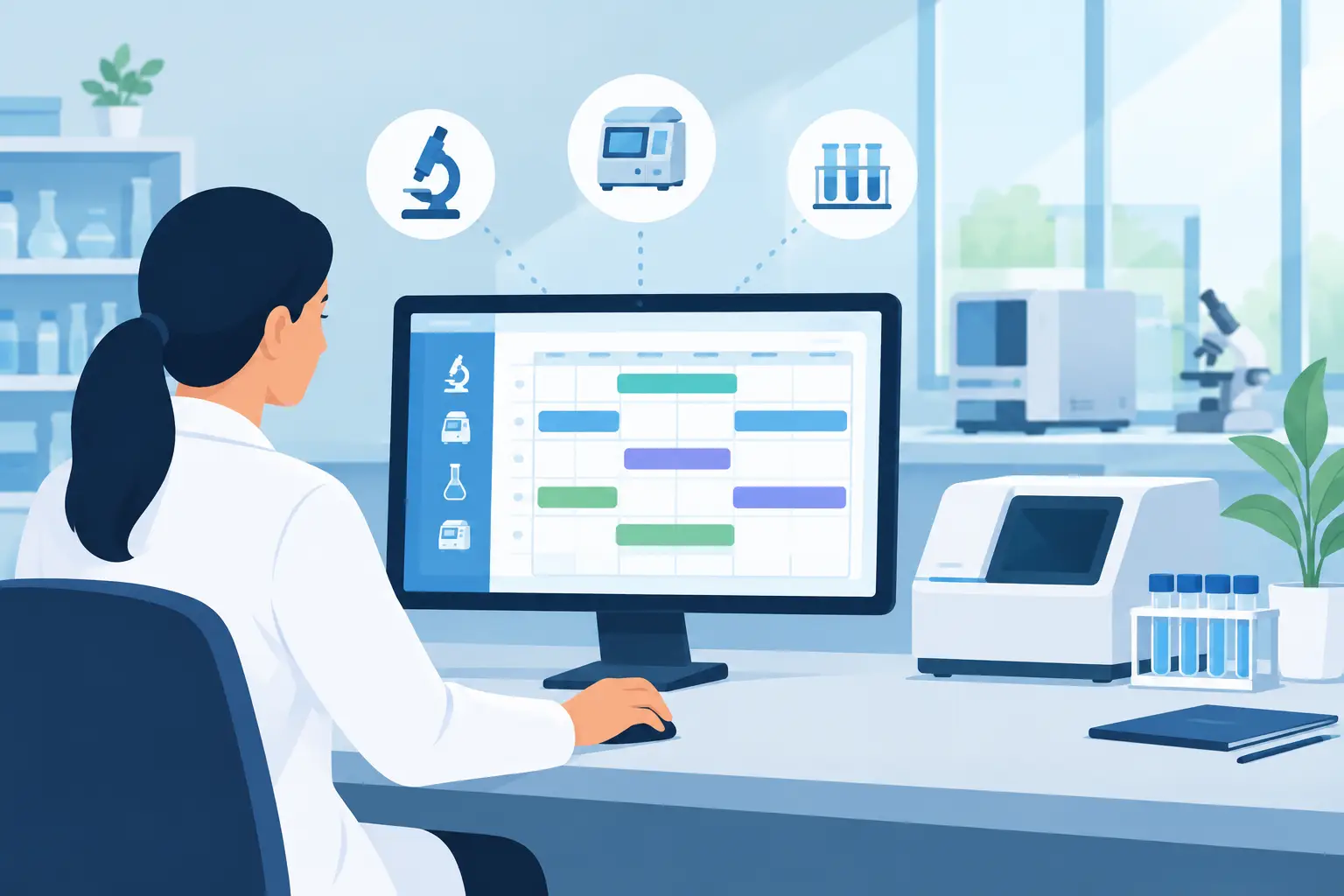
A shared instrument can become a laboratory bottleneck long before its calendar looks full. A scientist reserves a time slot, arrives to find the system is in maintenance, lacks the required consumable, or cannot be used because a prior run has overrun. Lab instrument scheduling software addresses this operational gap by connecting reservations to the conditions that determine whether an instrument is actually ready for use.
For research, clinical, and industrial laboratories, scheduling is not simply calendar management. It is a control point for equipment availability, user authorization, preventive maintenance, utilization analysis, and traceable laboratory operations. The right approach reduces avoidable downtime without creating an administrative burden that drives users back to informal spreadsheets, emails, and paper sign-up sheets.
Why instrument calendars alone are not enough
A basic shared calendar can show who intends to use a centrifuge, sequencer, microscope, or chromatography system. It cannot reliably answer the more important questions: Is the instrument qualified for the planned work? Is the user trained on the current procedure? Is preventive maintenance due before the reservation? Which sample set, experiment, or service request is associated with the run?
Those details are often distributed across separate systems. Training records may sit in a quality folder, maintenance logs in a spreadsheet, sample information in a LIMS, and experimental context in an ELN. The result is a calendar that records intent but does not control readiness.
This distinction matters most for high-value or high-demand assets. An instrument failure can delay a study, compromise sample stability, affect client turnaround time, or force teams to repeat work. Even when the instrument is functioning correctly, unclear booking rules create contention between research groups and make capacity planning difficult.
Effective scheduling software treats an instrument reservation as a structured operational record. The booking should identify the asset, user, time window, relevant project or experiment, and required status checks. This creates a clear chain between the planned work and the equipment used to perform it.
Core capabilities of lab instrument scheduling software
The required configuration depends on the laboratory's instruments, regulatory environment, and internal processes. A core facility with dozens of occasional users has different needs from a GMP-adjacent analytical laboratory with controlled methods. Still, several capabilities consistently determine whether a scheduling system supports real laboratory work.
Instrument profiles and availability rules
Each asset should have a complete digital profile, not just a name on a booking page. Useful records include manufacturer and model, serial number, location, asset owner, operating status, calibration schedule, maintenance history, standard operating procedures, and associated documentation.
Availability must reflect more than open time slots. Laboratories should be able to define operating hours, required setup and cleanup time, reservation duration limits, blackout periods, and lead-time requirements. A liquid handler may require a 30-minute preparation window between users. A shared microscope may be available only when a trained facility manager is onsite. These rules prevent the calendar from promising access that operations cannot support.
User qualification and authorization controls
Not every user should be able to reserve every instrument. Authorization can depend on completed training, documented competency, department, project role, or managerial approval. When qualifications expire, the system should alert the appropriate owner and prevent or flag new bookings according to laboratory policy.
This is particularly valuable when instruments require specialized operating knowledge or when a laboratory must demonstrate controlled access during an audit. The goal is not to add friction to routine work. It is to make access rules visible and consistently enforceable rather than relying on individual memory.
Maintenance, calibration, and status management
An instrument that is out of service should not remain bookable. Scheduling must account for corrective maintenance, preventive maintenance, calibration, validation, cleaning, and qualification activities. Status changes should be visible to users before they reserve time, with a clear distinction between temporarily unavailable, restricted use, and retired equipment.
Automated notifications can help equipment owners act before a conflict occurs. For example, a reminder can be issued when calibration is approaching, and future reservations can be reviewed if a service appointment will affect planned work. This avoids the common situation where users learn about downtime only after arriving at the instrument.
Reservation history and utilization reporting
A booking record becomes more valuable when it is retained as part of the asset history. Laboratories can compare scheduled time with actual usage, identify no-shows, analyze peak demand, and determine whether an instrument is underutilized or approaching capacity limits.
Utilization reporting should be interpreted carefully. A fully booked calendar does not always mean an instrument is productive. Repeated short reservations, frequent cancellations, or long setup blocks may indicate a workflow problem rather than a need to purchase another asset. Conversely, a lower utilization rate may be appropriate for instruments reserved for urgent clinical work, quality control, or contingency capacity.
Connect reservations to the laboratory workflow
The strongest scheduling workflows do not operate as isolated equipment calendars. They connect equipment use to the records that laboratory teams already manage.
A reservation may be associated with an ELN experiment, a sample batch, a service request, a method, or a project code. This linkage provides context for the work and improves traceability after the run is complete. If a result requires review, the laboratory can identify which instrument was used, whether it was within calibration, who operated it, and what procedure applied at the time.
Inventory coordination is also relevant for selected workflows. A scheduled run on a sequencing platform, analytical instrument, or automated workstation may depend on specific kits, columns, reagents, or consumables. The scheduling system does not need to block every reservation based on stock levels, but visibility into required materials can help prevent failed runs caused by missing supplies.
LabCollector can support this broader operating model by bringing equipment records, maintenance activities, inventory, sample data, and experimental documentation into a configurable digital environment. The value comes from preserving relationships between records, rather than asking teams to reconcile disconnected applications after an issue occurs.
Define policies before configuring the system
Software cannot resolve undefined rules. Before deployment, laboratory leaders should establish how reservations are governed and which exceptions require approval. The policy should address who can reserve an instrument, how far in advance bookings can be made, how cancellation is handled, and who owns schedule conflicts.
For many laboratories, the most useful policies cover these operational decisions:
- required training or authorization before a user can book an asset
- maximum reservation length and whether recurring bookings are permitted
- setup, cleanup, and data transfer time that must be included in a reservation
- escalation procedures for no-shows, overdue sessions, and equipment failures
- rules for priority access, including client work, urgent samples, and scheduled maintenance
Policies should fit the instrument's risk and demand profile. A general-use benchtop centrifuge may need minimal controls, while a flow cytometer or NGS platform may require approval workflows, documented training, and service-based scheduling. Applying the same restrictive workflow to every asset can discourage adoption and create unnecessary administrative work.
Implementation decisions that affect adoption
Instrument scheduling succeeds when the user experience is fast enough for day-to-day laboratory work and structured enough for operations teams to trust the data. Start by standardizing the asset register. Duplicate instrument names, unclear locations, and inconsistent ownership fields will quickly appear in the calendar as user confusion.
Next, migrate active reservations and current maintenance commitments. Historical bookings can be imported when they are needed for reporting, but a clean operational launch is often more valuable than recreating years of unreliable calendar entries. Assign equipment owners who are responsible for keeping asset status, maintenance records, and access rules current.
Notifications should be purposeful. Reservation confirmations, upcoming booking reminders, maintenance alerts, and approval requests are useful. Excessive alerts are ignored, especially in labs where staff already receive instrument-generated emails, quality notifications, and project updates.
Finally, define the metrics that will indicate whether the process is improving. Useful measures include cancellation rate, no-show frequency, downtime, time from maintenance alert to service completion, percentage of qualified users, and utilization by instrument or department. Review these measures with equipment owners and laboratory management, then adjust rules where the data identifies recurring friction.
A controlled schedule does more than prevent double bookings. It gives the laboratory a reliable operational record of how equipment, people, methods, and time are being used. When reservations reflect actual readiness and workflow context, shared instruments become easier to manage, easier to audit, and more available for the science that depends on them.
See LabCollector on Your Own Workflows
LIMS, ELN, test management, storage and instrument integration on one platform — start free, or have us walk you through it.
Learn more: LabCollector LIMS · Electronic Lab Notebook · Contact · About
 English
 French
 Spanish
 Portuguese
 Italian
 Polish
 German
 Dutch
 Danish
 Swedish
 Greek
 Norwegian
 Finnish
 Romanian
 Hungarian
 Czech
 Slovak
 Hebrew
 Arabic
 Japanese
 Korean
 Ukrainian
 Latvian
 Turkish
 Croatian
 Chinese (Simplified)
 Bulgarian