Why spreadsheets fail in modern labs (and what to do instead)
Spreadsheets are the lab’s comfort zone. They are quick to start, easy to share, and flexible when you are building a workflow on the fly. In many labs, they begin as a simple tracker for samples, reagents, or freezer boxes, and they do the job for a while.
But labs grow. More samples, more people, more projects, more pressure. And one day, the spreadsheet that “worked fine” becomes the reason everyone is stuck.
This article is not here to blame Excel. It is here to describe what really happens in day-to-day lab work, and why many teams move on when they want reliable tracking, clear traceability, and less stress during audit weeks.
The real-life moment when the spreadsheet breaks
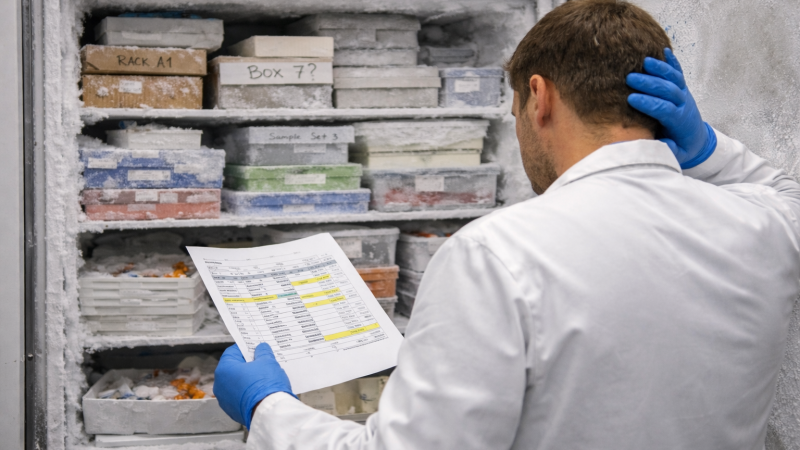
It’s 9:12 AM. Someone pings you: “Do we still have those patient aliquots from last month?” You open the spreadsheet. There are multiple versions in the folder, so you pick the one that looks newest. You search by sample ID and you find a row, but the location is not clear, and the person who usually knows the freezer layout is not here today.
You walk to cold storage anyway. You open boxes. You check labels. You second-guess yourself. The spreadsheet is not “wrong,” but it does not help you when the answer needs to be fast and certain.
Three real lab scenarios where Excel starts to hurt
“Do we still have this sample?”
You find the sample ID in the spreadsheet, but the location is vague. “Freezer 3” can mean ten different spots. Samples get moved after maintenance, projects, or reorganizations. The update is sometimes written in a note, a chat message, or a memory, not in the spreadsheet. So the search becomes manual, and the answer depends on who is in the building that day.
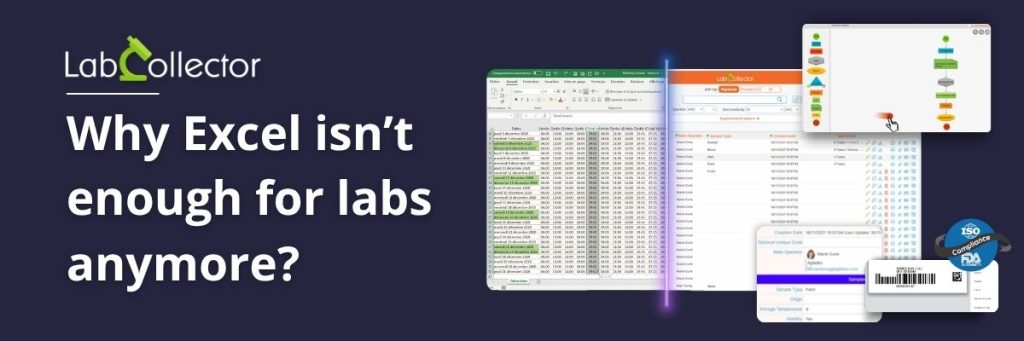
The spreadsheet has five versions!
A technician updates the file after receiving new samples. Another person edits quantities for reagents. Someone else renames columns to match a new naming rule. Everyone is trying to help, but not in the same file. Soon, you have “final,” “final2,” “updated,” and “use-this-one” in the folder. During a meeting, two numbers do not match. Nobody is sure which file is the real one, and you lose time just trying to confirm what is true.
Audit week!
An audit is coming. You need to show where a sample came from, where it went, and who changed what. The spreadsheet can store values, but it does not naturally store the story. So the lab does exports, manual checks, and late nights. People rebuild timelines from file versions and notes. It works, but it is stressful, and it is never as clean as you want it to be.

Where LabCollector fits
When labs hit these situations often, they usually move to a tool built for lab operations: a LIMS, or a modular system that can track samples, inventory, and activities with structured fields, access control, and a clear record history.
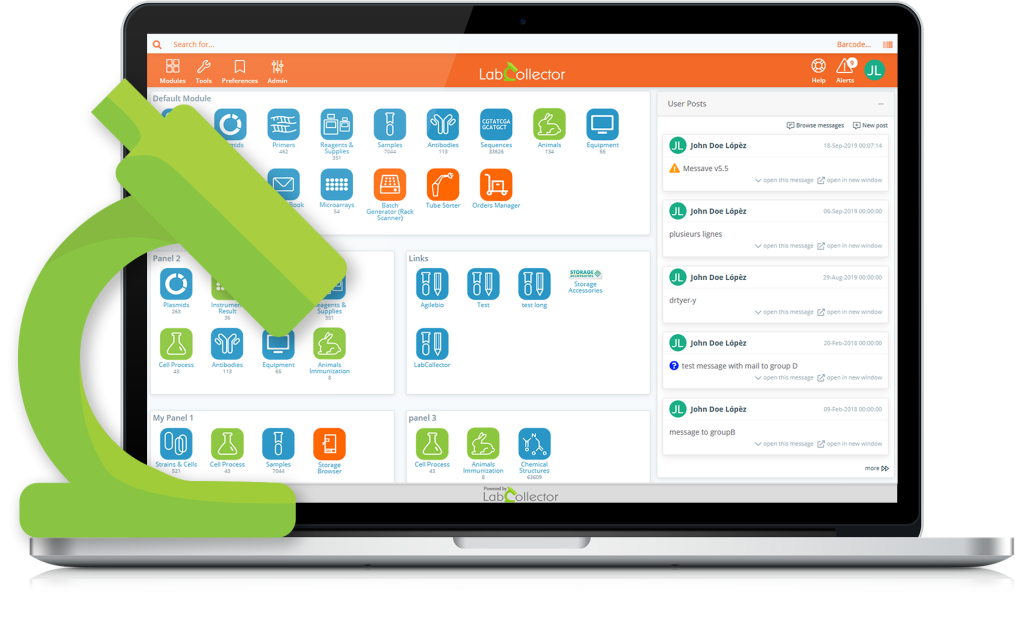
LabCollector is built for exactly this. Teams use it to manage samples, map storage locations, track reagents and consumables, and keep traceability clear across day-to-day work. Many labs start small with one workflow, like sample storage mapping or reagent tracking, then expand step by step as the team gets comfortable.
When is it time to move on from Excel?
Most labs do not wake up one morning and decide to stop using spreadsheets. It happens slowly. You start adding more rules, more tabs, more columns, more manual checks. Then you notice that basic questions take longer than they should, and the same problems keep coming back.
If your lab keeps running into “which version is correct,” “where is this sample really,” or “who changed this,” it is usually a sign that the lab has outgrown Excel for that workflow. The spreadsheet is still useful for quick lists and temporary tracking, but it becomes risky when it turns into the system of record.